Interactive Product Showcase Module
What It Does
This module presents a product or solution visually, using tabs and interactive hotspots. It is one of the more advanced modules and is best used when visual exploration matters.
When To Use It
- To explain product details visually
- To guide users through several product views or states
- When you want a richer, hands-on storytelling module
Variants
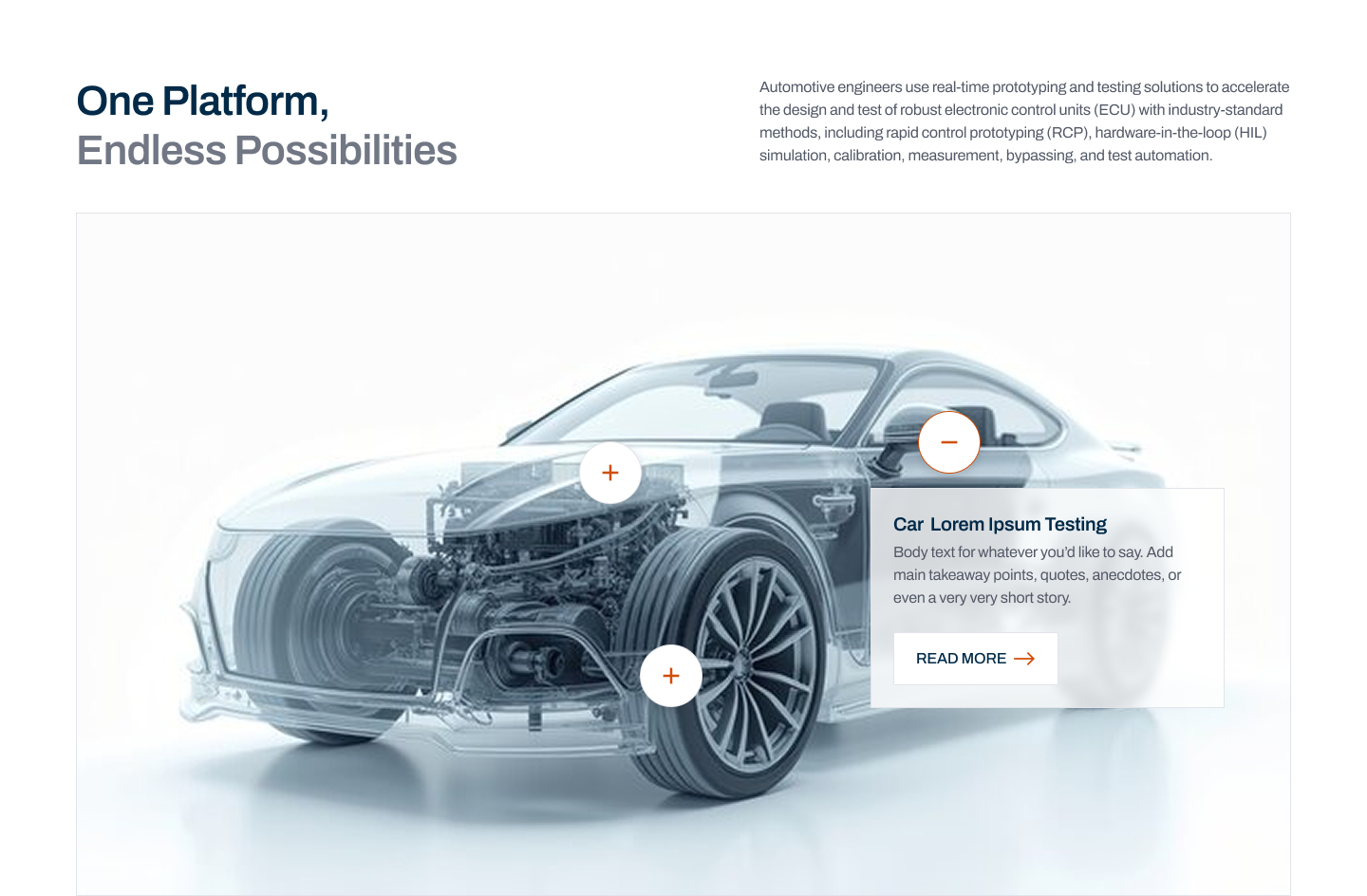
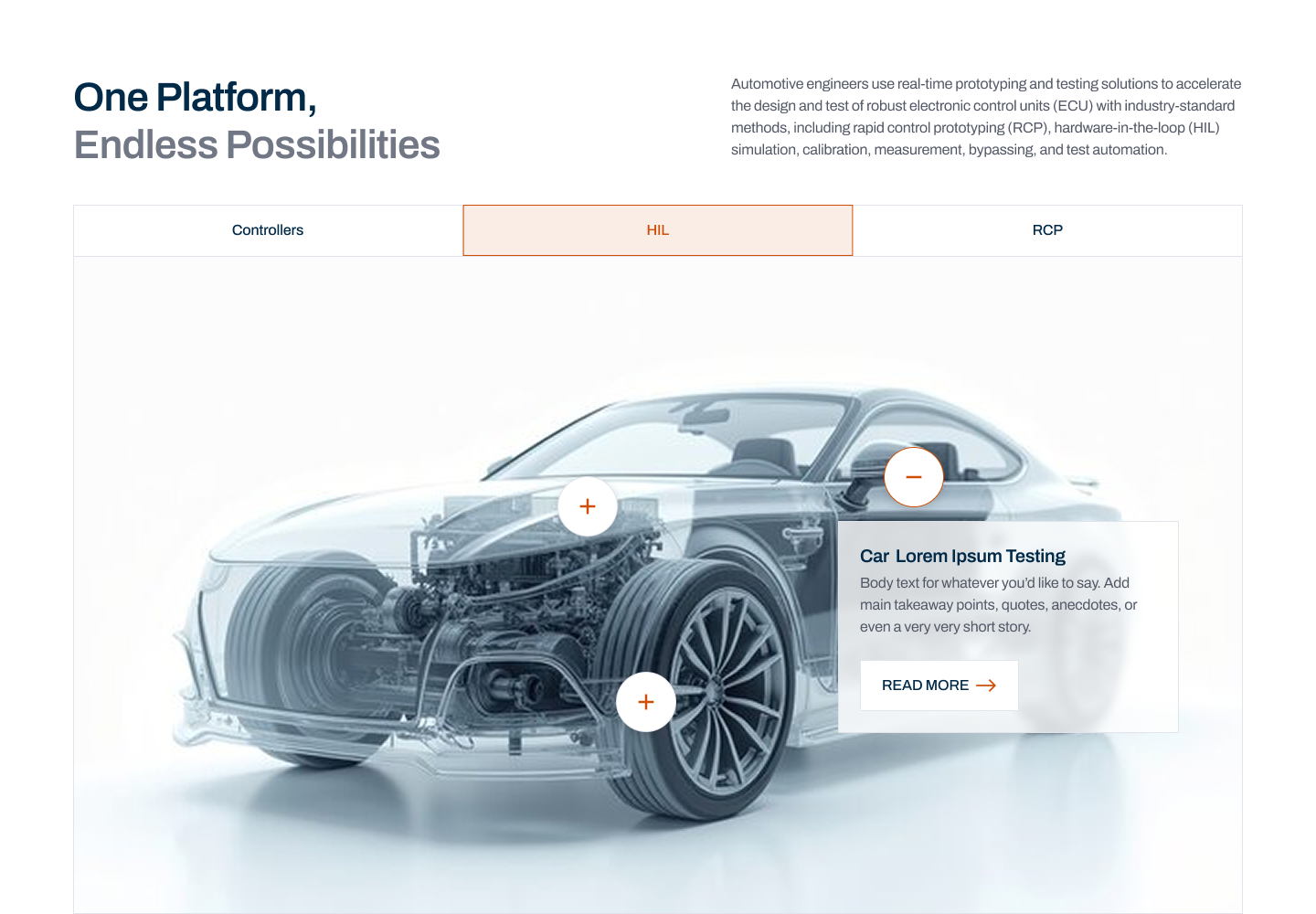
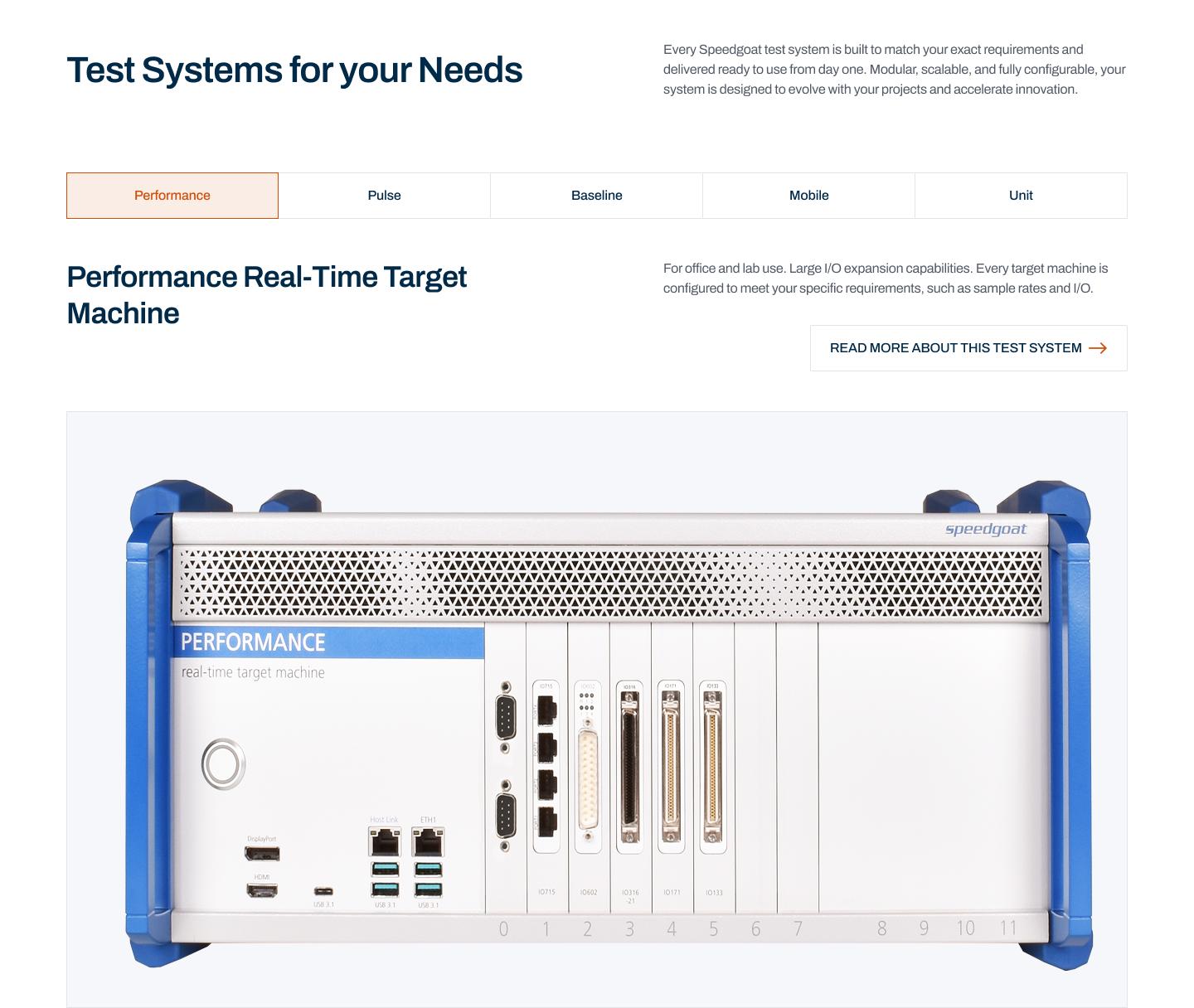
interactive: heading, description, single tab, hotspotsextended: heading, description, multiple tabs, hotspotsfull: heading, description, multiple tabs, and each tab has its own heading and description under the tabs list, plus hotspots
interactive
extended
full
What Editors Usually Configure
- Main heading and subheading
- Tabs
- Main image for each tab
- Hotspot size for each tab (
standardorsmall) - Interactive hotspots with supporting text
- Optional popup button image for a hotspot
- Optional CTA
Editor Tips
- Use this module only when the content really benefits from interactivity.
- Keep hotspot copy short and specific.
- Plan the narrative before building it so the tabs feel intentional, not just busy.