Templates
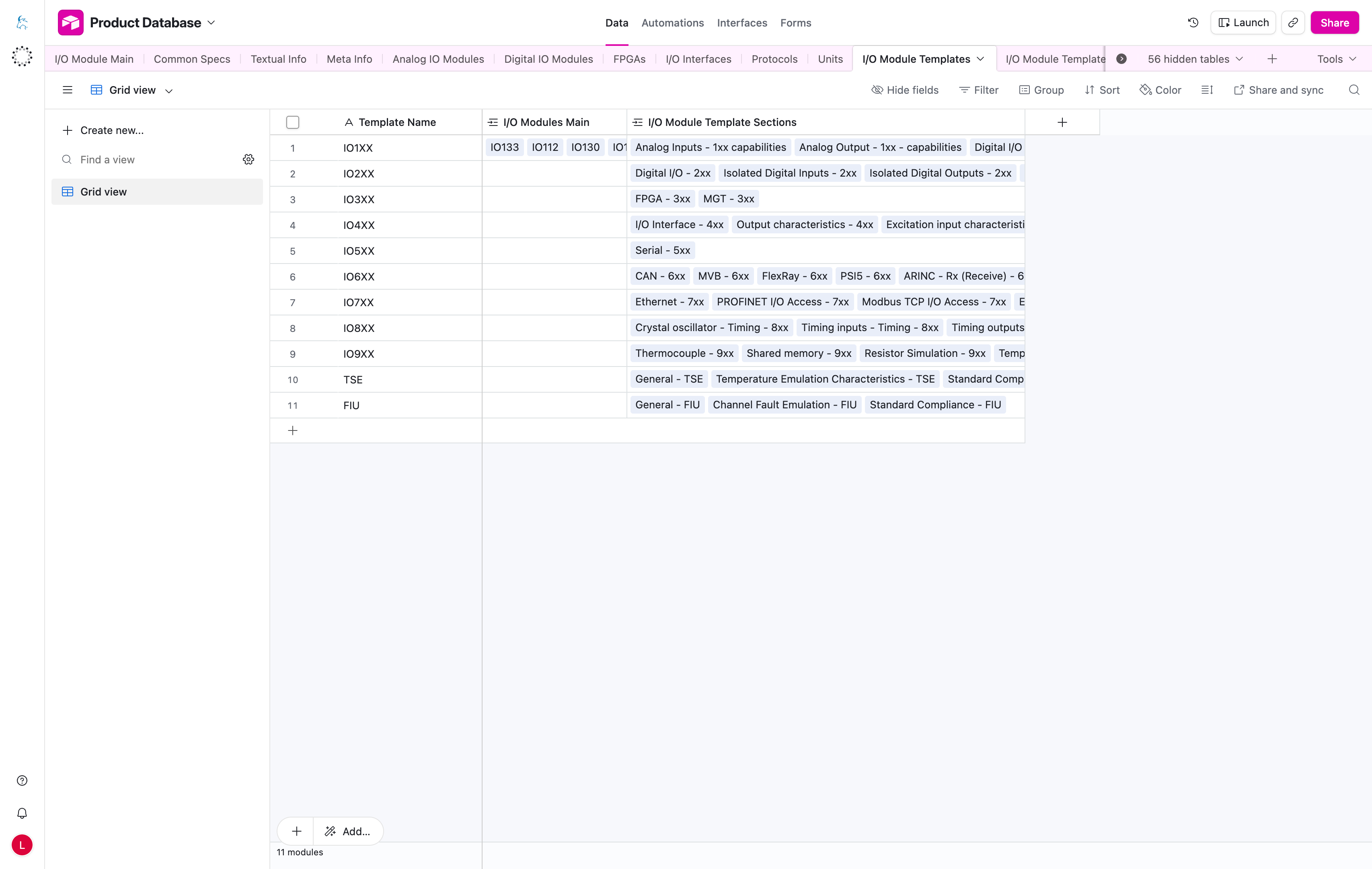
The I/O Module Templates table defines the reusable table layout for an I/O module product family.
It controls which sections appear in the Capabilities and Specifications areas on the product page.
It can also provide the intro text shown above the Configuration Packages accordion when a template includes configuration-package sections.
How The Pieces Fit Together
Template
  -> Sections
      -> Rows
          -> Capabilities / Specifications tables
A product linked to a template uses that template's sections and rows on the website.
note
Think of a template as the technical-content table layout, not as a full web page layout.
For example, the IO1XX template can include sections such as:
Analog InputsAnalog OutputsDigital I/OInterfaceEnvironmental
Important Columns
| Column | What it means |
|---|---|
Template Name | Human-readable name of the reusable template, for example IO1XX or IO2XX. |
I/O Modules Main | Products that should use this table layout. |
I/O Module Template Sections | Sections that will appear in the Capabilities and Specifications areas. |
Configuration Packages Intro (EN) | Optional intro text shown above the Configuration Packages section. |
How To Use This Table
- Link each product to the correct template.
- Update sections and rows when the technical content changes.
- Keep template names stable and easy to recognize.
- Use this table to control table structure, not individual row text.
- Use
Configuration Packages Intro (EN)when package accordions need a short introductory paragraph above them.
note
If a product is linked to the wrong template, the Capabilities and Specifications tables can show the wrong sections or miss content entirely.